You signed in with another tab or window. Reload to refresh your session.You signed out in another tab or window. Reload to refresh your session.You switched accounts on another tab or window. Reload to refresh your session.Dismiss alert
Minimal D3D11 bonus material: extra minimal triangle
A quick side exercise to see how little code one can get away with to put that RGB triangle on screen using D3D11 (without bending over backwards with trickery). This is a complete app in < 40 LOC (including the HLSL).
This is essentially just the original Minimal D3D11 codebase with 8x MSAA added. However, since MSAA only smooths triangle edges and does not affect textured surface interiors, texturing is removed to isolate and make the effect of MSAA clearer.
Minimal D3D11 sprite renderer: basic back-to-front sprite rendering reference code with example sprite sheet animation logic. As usual: Complete, runnable single-function app. No modern C++ / OOP / obscuring cruft.
Swap out the sprite sheet with a font atlas for a lightweight GUI / text renderer. Clip individual sprites and glyphs by offsetting screenPos and atlasPos to top left corner of visible area and adjusting size accordingly (all values in pixels):
Basic setup for rendering a fullscreen triangle - as opposed to a fullscreen quad. This is a triangle that extends past the screen boundaries so that it covers it all, with the excess getting clipped away. The use case for this is typically doing a full screen pass for composition or post processing effects etc (though nowadays you might go for a compute shader instead).
Generally a triangle is preferred over a quad because the geometry is simpler (fewer vertices / shader invocations) and it eliminates the quad’s internal diagonal split. Since pixel shading runs in 2×2 pixel units (incidentally also referred to as "quads"), units that straddle the diagonal will do redundant work on pixels that gets masked out and discarded; both triangles pay this cost along the split, each discarding work tha
Minimal WASAPI reference implementation. Runnable console application contained in a single function and laid out in a linear, step-by-step fashion. No modern C++ / OOP / obscuring cruft. Produces a steady sine wave sound.
(This is a re-post of the same gist I posted a few years earlier, simply due to me wanting the Minimal D3D11 series to be listed contiguously and it's not possible to hide or rearrange gists).
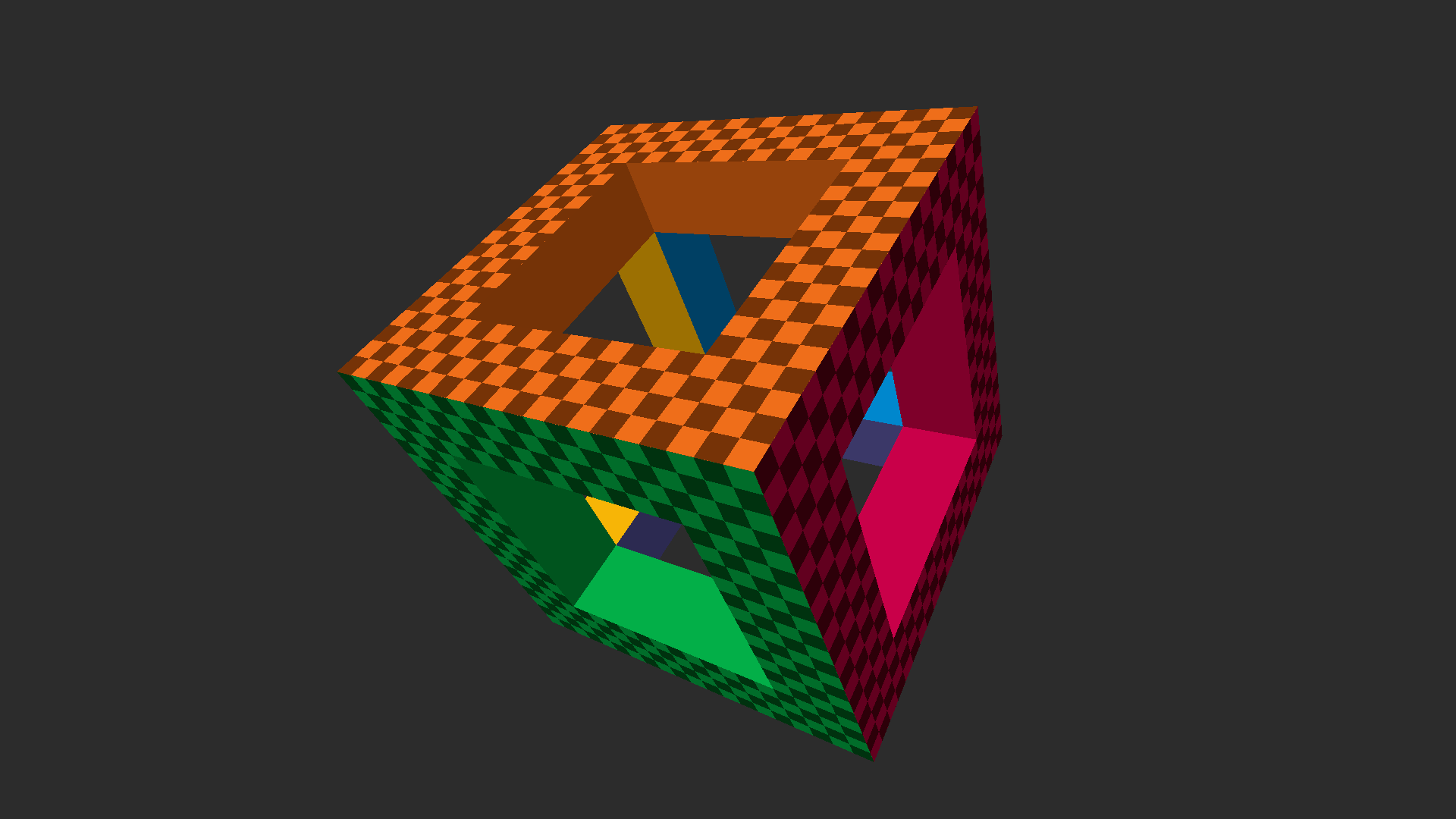
A spin-off from the mainline Minimal D3D11 series, adding two-lane instanced rendering. As before: An uncluttered Direct3D 11 setup & basic rendering primer / API familiarizer. Complete, runnable Windows application contained in a single function and laid out in a linear, step-by-step fashion. No modern C++ / OOP / obscuring cruft.
The main difference here is that the hollow cube itself is rendered using instancing (which saves a lot of vertices compared to the original, so geometry data is now small enough to be included in the source without being too much in the way), but also all trigonometry and matrix math is moved to the vertex shader, simplifying the main code (and not needing math.h).
Minimal D3D11 reference implementation: An uncluttered Direct3D 11 setup + basic rendering primer and API familiarizer. Complete, runnable Windows application contained in a single function and laid out in a linear, step-by-step fashion that should be easy to follow from the code alone. ~220 LOC. No modern C++ / OOP or (other) obscuring cruft. View on YouTube
Building directly on the canonical Minimal D3D11 this follow-up introduces instanced rendering, where each instance is described in the form of a [separate transformation matrix](https:/