
See how a minor change to your commit message style can make you a better programmer.
Format: <type>(<scope>): <subject>
<scope> is optional



| #!/bin/bash | |
| PARAMS=('-m 6 -q 70 -mt -af -progress') | |
| if [ $# -ne 0 ]; then | |
| PARAMS=$@; | |
| fi | |
| cd $(pwd) |

| # PHP 8.1.7 Set-up | |
| ScriptAlias /php817/ "C:/xampp/php817/" | |
| Action application/x-httpd-php817-cgi "/php817/php-cgi.exe" | |
| <Directory "C:/xampp/php817"> | |
| AllowOverride None | |
| Options None | |
| Require all denied | |
| <Files "php-cgi.exe"> | |
| Require all granted | |
| </Files> |

Example:
zsh-5.7.1-1-x86_64.pkg.tar.xz

| <?php | |
| namespace App\Http\Livewire; | |
| use App\Models\Tag; | |
| use App\Models\User; | |
| use Illuminate\Database\Eloquent\Builder; | |
| use Rappasoft\LaravelLivewireTables\DataTableComponent; | |
| use Rappasoft\LaravelLivewireTables\Views\Columns\BooleanColumn; | |
| use Rappasoft\LaravelLivewireTables\Views\Column; |

This tutorial was made for Gentoo, Arch and Fedora/RHEL base distros, this can be adapt for any distro open a pull request or a issue indicating the package name (or just use the manually way of install.
Note: The tool use in this guide were developer for Asus laptop if you are using a Asus laptop please refer to this link for other brands try this method
Note: Don't use on PopOS they have there own way of managing Optimus Laptop built in the distro!!!*
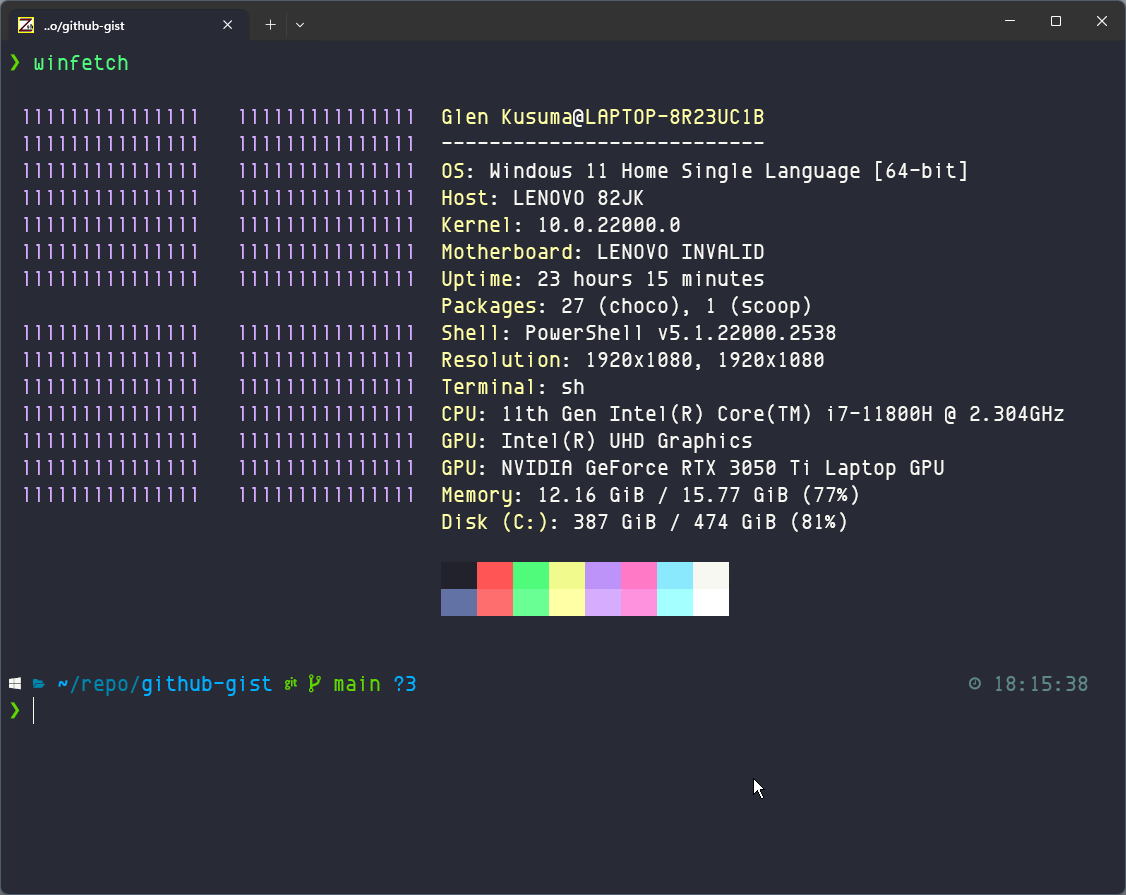
My Setup:
| // igrasias edom script version 18/01/23 | |
| // presses all radio button inputs with a value of 'Sangat Puas' | |
| var opt = document.getElementsByClassName("opt"); | |
| for(var i = 0; i < opt .length; i++){ | |
| if(opt [i].parentElement.nextElementSibling.innerHTML === 'Sangat puas'){ | |
| opt [i].click(); | |
| } | |
| } | |
| // if there is a text field, gives the text field value with invisible space | |
| if (document.querySelector('textarea')) { |


Tentukan jumlah susunan yang akan diperoleh, jika hendak menghabiskan uang sejumlah $100 untuk tepat membeli 100 ayam, kriteria jenis ayam dan harganya ditentukan berikut: