| #!/bin/bash | |
| command=$1 | |
| args=${@:2} | |
| winrun_pid=$$ | |
| pidfile="/tmp/winrun-pid-$(date +%s)" | |
| if [[ $args != '' ]]; then | |
| argumentlist="-ArgumentList \"$args\"" | |
| fi |
NOTE: Time flies, and it's been almost five years(!) since I wrote this. Beaware the text below is now outdated (e.g., now Asahi Linux has graphics acceleration even better than this). The commands listed are up-to-date.
I bought M1 MacBook Air. It is the fastest computer I have, and I have been a GNOME/GNU/Linux user for long time. It is obvious conclusion that I need practical Linux desktop environment on Apple Silicon.
- save the file somewhere
- source the file in zshrc before sourcing p10k
- replace
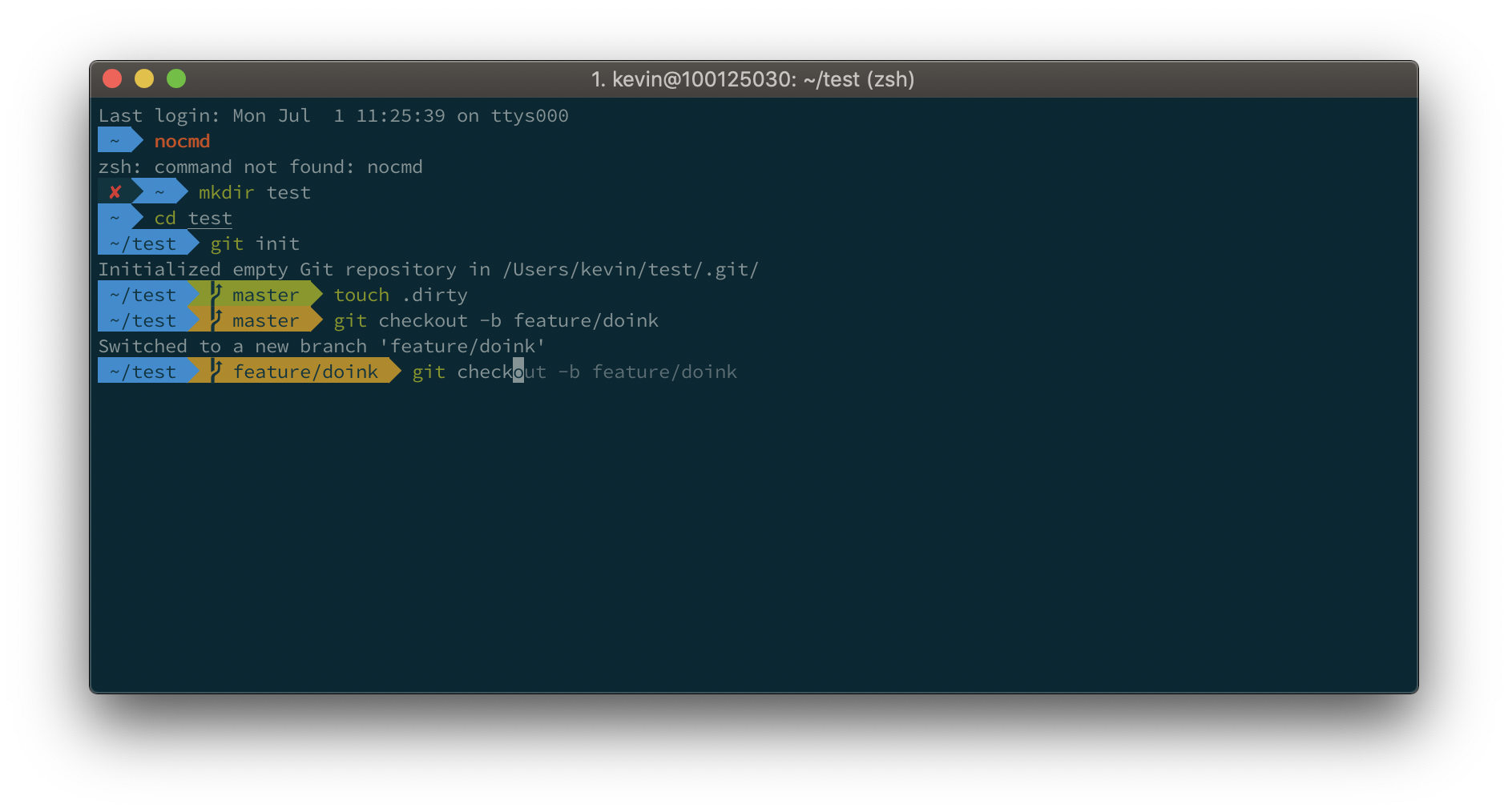
vcs_infowithgitstatusin p10k.zsh (usually located at~/.p10k.zsh)
See the excellently documented async.zsh from zsh-autosuggestions for low-level implementation. TLDR: Use process substitution to spawn a zsh instance that executes the main checking logic in the prompt's rendering function and immediately returns. Since the output of the process is connected to a fd of the parent process, we can then use zle's monitor feature to attach a callback function to said fd. After the gawk script finishes and starts to print to the fd

